
Why Descaling Matters
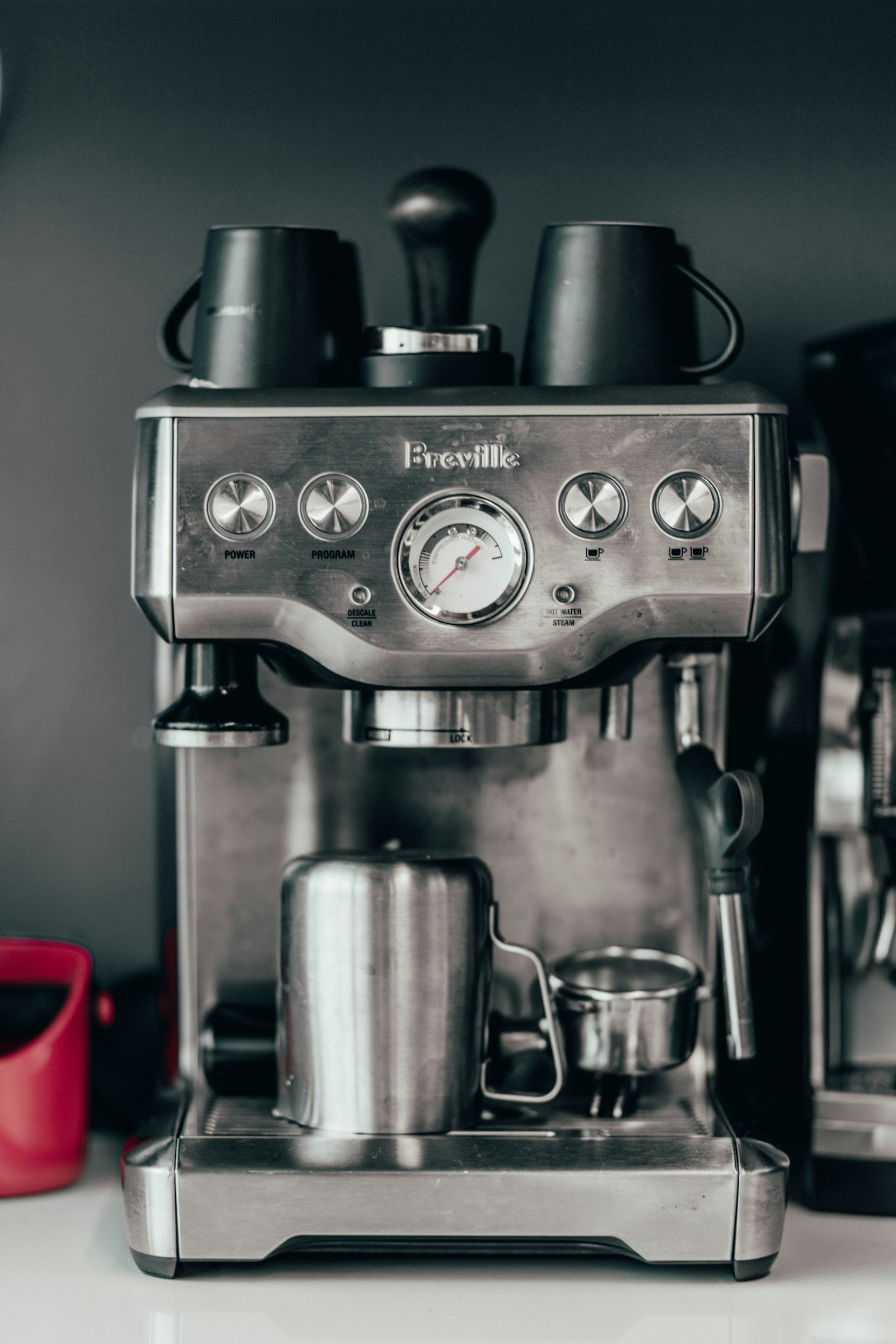
The Barista Pro’s LCD will display a DESCALE alert when mineral buildup has reached a level that can affect brewing flow, temperature, power, and espresso taste. Even with the water filter in place, scale can accumulate in the heating elements and other internal parts. The alert is the machine’s way of telling you that a descaling cycle is required.
What You’ll Need
- Breville descaling powder (the machine ships with it; replacement is available from Breville)
- Clean water
- Empty drip tray
- Water filter removed from the tank
- Machine turned off and cooled for at least one hour
Step‑by‑Step Descale Cycle
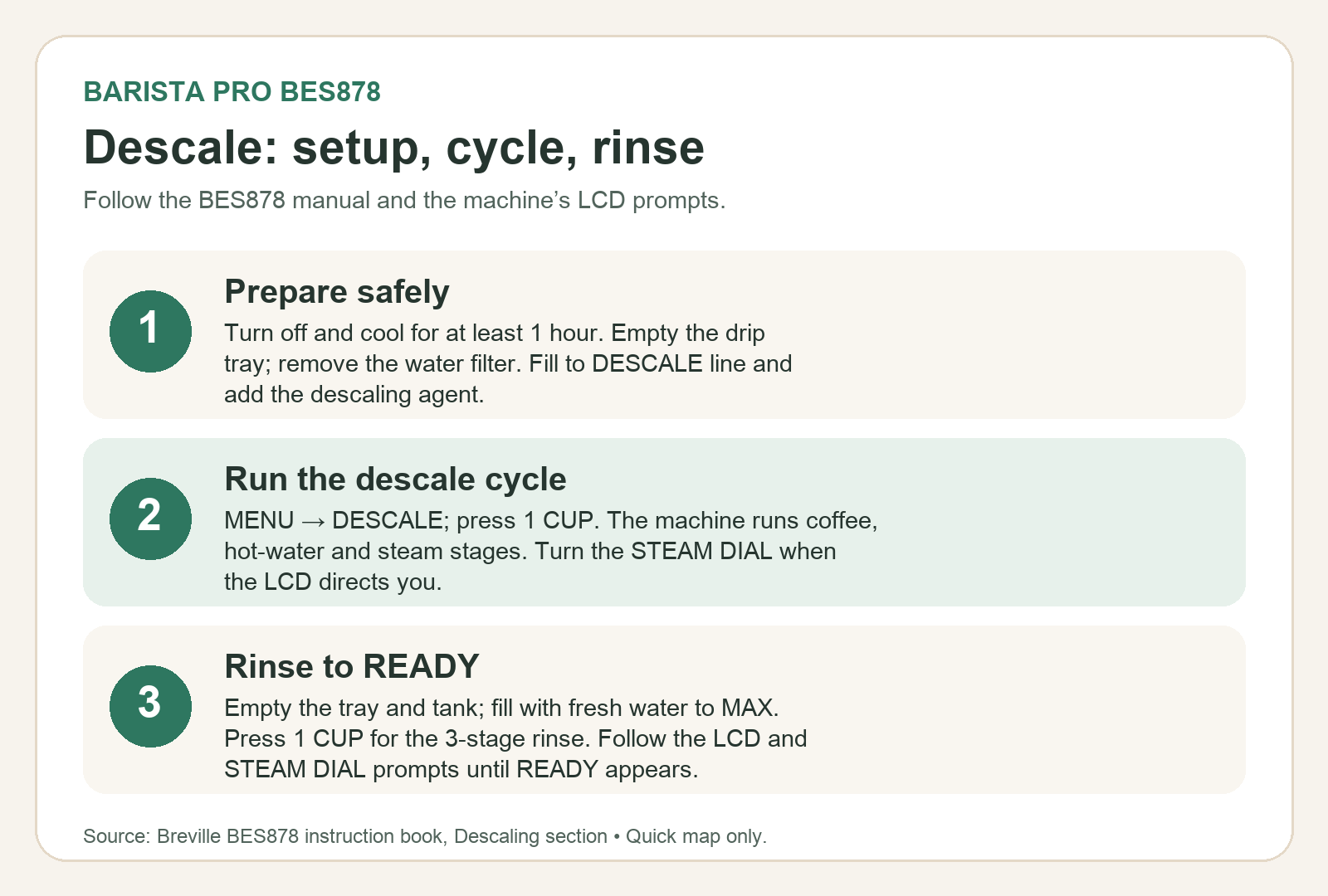
- Turn the machine off and let it cool for at least one hour. Ensure the drip tray is empty and fully inserted.
- Remove the drip tray and reattach it to the machine. Take the water tank off the machine and remove the filter from the tank.
- Fill the water tank to the DESCALE line indicated on the tank and add the descaling powder to the water. Reattach the tank to the machine.
- Press the MENU button to enter the main menu. Use the GRIND AMOUNT dial to navigate to DESCALE, then press the dial to select. The 1 CUP button will illuminate.
- Press the 1 CUP button to start the descaling cycle. The cycle runs in three stages: coffee, hot water, and steam. After each stage the machine beeps. When the LCD indicates, manually turn the STEAM DIAL to the HOT WATER position, and later to the STEAM position.
- Once the descale cycle completes, the machine will prompt the rinse cycle. Remove and empty the drip tray, then replace it. Empty any remaining descaling liquid from the tank, fill the tank to the MAX line with clean water, and reattach it.
- Press the 1 CUP button to start the 3‑stage rinse cycle. The LCD will show the current stage. After each stage the machine beeps. As with the descale cycle, manually turn the STEAM DIAL to the correct position when the LCD indicates.
- When the rinse cycle finishes, the machine beeps and returns to READY mode.
- Remove and rinse the drip tray and water tank. Dry them thoroughly before reattaching.
Descale vs. Flush
The Barista Pro also displays a FLUSH alert for a separate cleaning cycle. The flush cycle uses a cleaning disc and tablet in the portafilter and is triggered by a different menu path. Run each cycle only when the machine prompts for that specific alert.
How Often to Descale
There is no fixed calendar interval for descaling. The manual recommends replacing the water filter every two months or after 60 tank refills to reduce scale buildup. In hard‑water areas, change the filter more frequently. The LCD DESCALE alert indicates when descaling is actually needed.
Key Takeaways
- Always cool the machine for at least one hour before starting a descale cycle.
- Remove the water filter from the tank before adding descaling powder.
- Follow the 3‑stage cycle and manually turn the steam dial at each LCD prompt.
- Complete the 3‑stage rinse cycle after descaling.
- Do not confuse the descaling cycle with the separate flush cleaning cycle.
- Replace the water filter every two months or 60 refills to keep scale buildup low.
By following these steps exactly as outlined in the Breville BES878 instruction manual, you’ll keep your Barista Pro running smoothly and producing great espresso every time.
Sources: Breville BES878 Instruction Manual, Breville Product Hub Descale Guide