
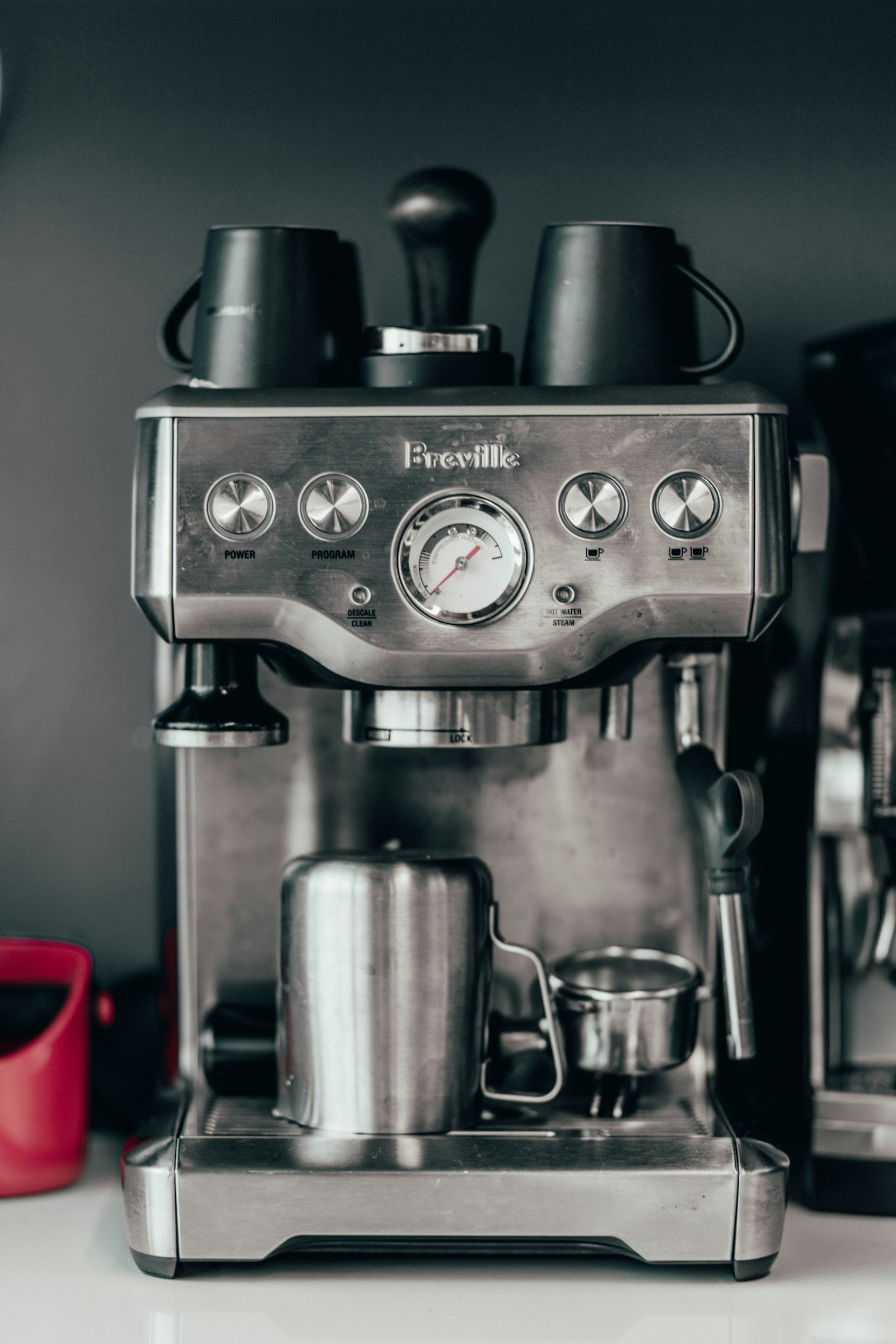
Why Descaling Matters
Hard water can build mineral deposits inside the Barista Express, slowing flow, lowering temperature, and affecting espresso taste. The official manual notes that mineral buildup reduces brewing flow, temperature, power, and taste source.
Check the CLEAN/DESCALE Light First
The machine uses the CLEAN/DESCALE indicator to tell you what maintenance is needed. A solid light means descaling is required; a flashing light means a separate cleaning (back‑flush) cycle is needed. This distinction is explained in the manual source.
What You’ll Need
- One Breville descaling powder sachet (included with a new BES870, listed as Accessory 7)
- 34 fl. oz (1 L) of water to dissolve the powder
- A sink for rinsing the water tank
Step‑by‑Step Descaling Procedure
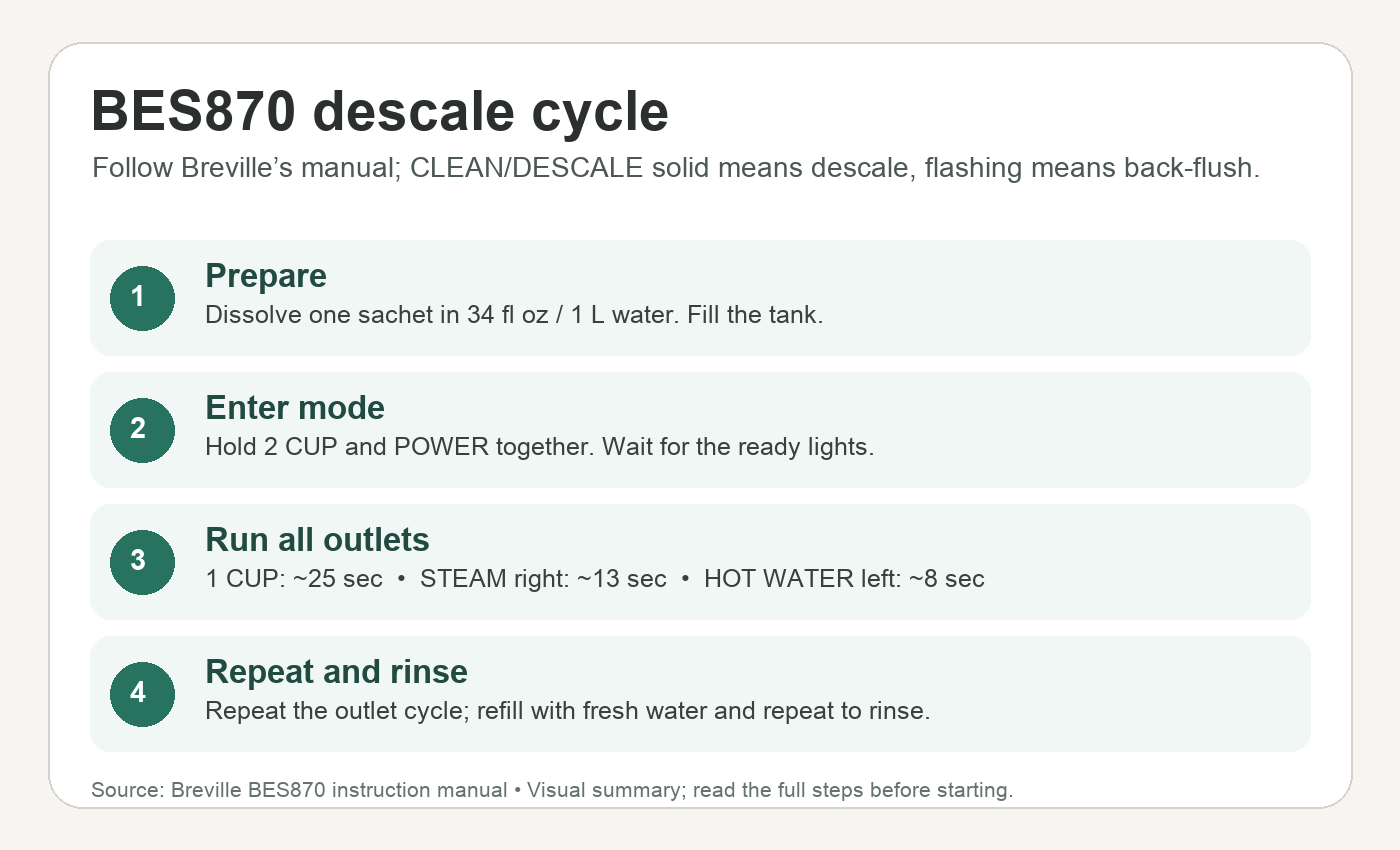
- Prepare the solution. Dissolve one sachet of descaling powder in 34 fl. oz (1 L) of water and fill the water tank. source
- Enter descale mode. Press and hold the 2‑CUP button, then press and hold the POWER button simultaneously. The POWER button will flash while heating; when the POWER, 1‑CUP, CLEAN/DESCALE, and HOT WATER/STEAM indicators all glow solid, the machine is ready. source
- Descale the coffee component. Press the 1‑CUP button. The coffee component runs for about 25 seconds; the 1‑CUP button flashes during the process and stays solid when finished. source
- Descale the steam component. Turn the steam dial right toward the STEAM icon. This step takes about 13 seconds. source
- Descale the hot‑water component. Turn the steam dial left toward the HOT WATER icon. This step takes about 8 seconds. source
- Empty the tank. After the three steps, roughly half (17 fl. oz / 0.5 L) of the solution remains. Repeat steps 3‑5 once more to fully empty the tank. source
- Rinse the machine. Remove the water tank, rinse it thoroughly, then refill to maximum capacity (68 fl. oz / 2 L) with fresh cold water. Repeat steps 3‑5 to flush out any residual descaling solution. Press POWER to exit descale mode; the LEDs will turn off. source
Important Safety and Usage Notes
- The machine will automatically shut off if no action occurs for 5 minutes while in descale mode. To resume, restart from step 2. source
- Do not remove or completely empty the water tank during descaling, and never immerse the power cord, plug, or appliance in water. source
- Replacing the water filter every two months reduces the need for descaling; use a fresher filter if you live in a hard‑water area. source
When to Skip Descaling
If the CLEAN/DESCALE light is flashing instead of solid, run the back‑flush cleaning cycle instead of descaling. The two maintenance procedures are distinct and triggered by different light behaviors source.

Conclusion
When the CLEAN/DESCALE light stays solid, follow Breville’s full descaling sequence for the coffee, steam and hot-water components, then complete the fresh-water rinse and exit descale mode. Use the timings and button sequence above, and consult the official manual if your machine’s controls or indicator behave differently.