
Why Descaling Matters
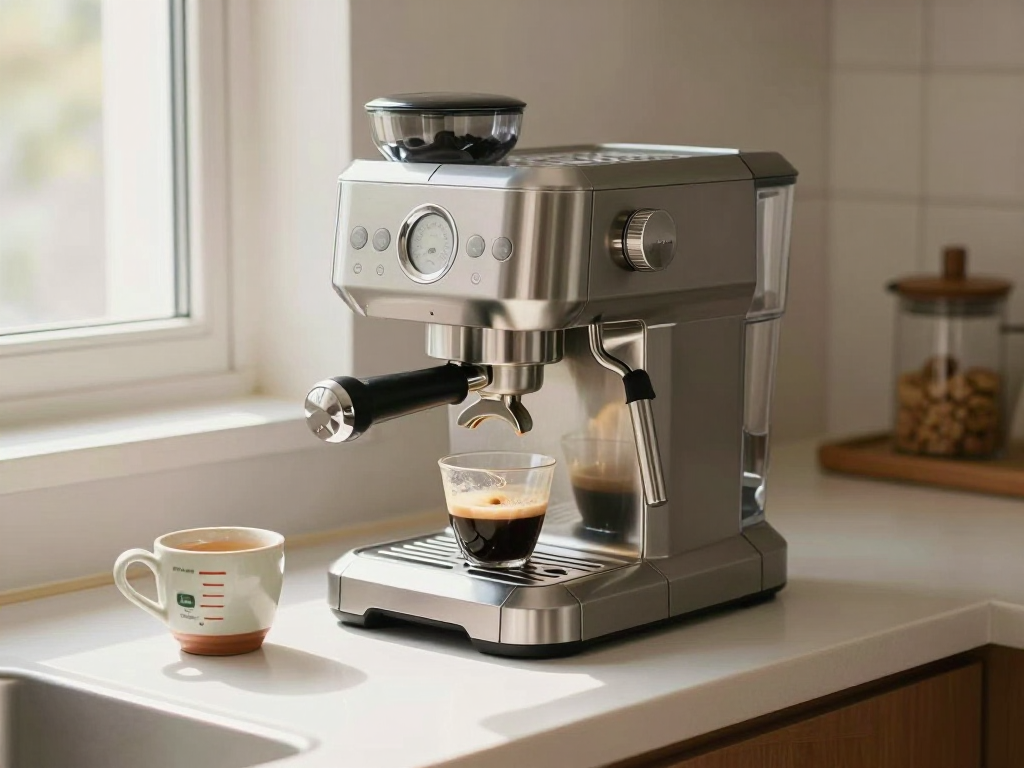
Limescale builds up on the Dedica EC685’s thermoblock, reducing brew temperature, restricting water flow, and lowering espresso quality. A scaled machine can produce sour‑tasting espresso because it can no longer reach optimal brew temperature. The EC685 signals when descaling is needed via the orange light on the steam button.
When to Descale
Descale whenever the orange light on the steam button turns on. If your local water hardness is above 15 °dH, descale more often—every 2–3 months is the general guideline.
What You Need
- DeLonghi EcoDecalk descaling solution (100 ml per 1 L of fresh water, one full tank)
- Fresh water
- Two catch containers (one under the steam wand, one under the brew head)
- Approx. 25–30 minutes total time
Never use vinegar or pure citric acid. Citric acid can form insoluble calcium citrate deposits that clog tubes, and vinegar can damage seals and metals.
Step‑by‑Step Procedure
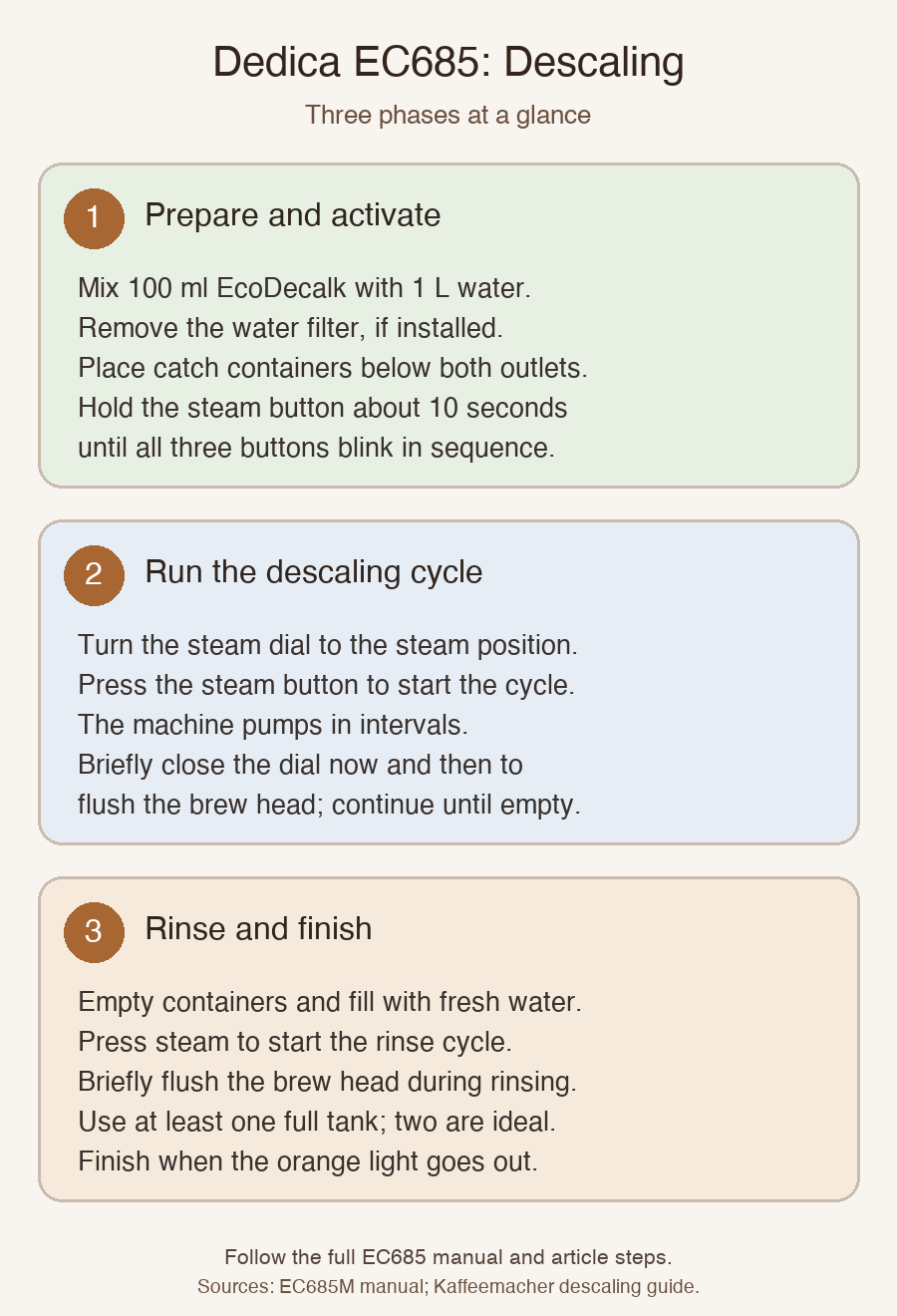
- Preparation – Turn the machine off. Use the ON/OFF button. Source
- Remove the water filter. If installed, set it aside. Source
- Empty and rinse the water tank. Remove the tank, pour out any water, and rinse briefly with fresh water. Source
- Mix the descaling solution. Combine 100 ml EcoDecalk with 1 L fresh water. Pour into the tank, staying at or below the MAX line. Replace the tank. Source
- Position containers. Leave the portafilter out; it is not used during descaling. Place a container under the steam wand and a second under the brew head. Source
- Activate descaling mode – turn the machine on. Wait until the one‑cup and two‑cup indicator lights glow steadily. Source
- Hold the steam button for 10 seconds. When all three buttons blink alternately, descaling mode is activated. Source
- Start the descaling cycle. Turn the steam dial to the steam position and briefly press the steam button again. The machine pumps solution in intervals with pauses—normal behavior. Source
- Brew‑head flush. Every few minutes, briefly close the steam dial to position ‘0’ for 5–10 seconds, then reopen to steam. Repeat throughout the cycle to force solution through the brew head and shower screen. Source
- Descaling cycle end. The cycle continues until the tank is empty. The orange light on the steam button blinks throughout. Source
- Rinse phase – refresh the tank. While the orange light still blinks, remove the tank, empty remaining solution, rinse thoroughly, fill to MAX with fresh water, and replace. Source
- Start the rinse cycle. Empty the catch containers, place them under the steam wand and brew head, ensure the steam dial is in the steam position, and press the steam button. Source
- Flush during rinse. Apply the same brew‑head flush technique: close the steam dial to ‘0’ briefly, then reopen. Source
- Second rinse tank (recommended). After the first rinse tank empties, repeat the rinse cycle with a second full tank of fresh water. This ensures all descaler residue is removed. Source
- Completion. When the final rinse tank empties, the orange light on the steam button goes out. Turn the steam dial to position ‘0’ (closed). The machine returns to normal coffee mode. Fill the water tank with fresh water if needed. The Dedica is now descaled and ready to use. Source
Maintenance Frequency
Descale every 2–3 months. If your water hardness exceeds 15 °dH, increase frequency. Check local water hardness with a simple test kit.
What the Sources Don’t Say
The guide does not claim that vinegar or citric acid are safe alternatives, nor does it provide any specific timing beyond the approximate 25–30 minutes total. It also does not state that the EC685 is the only model that uses the orange light indicator; it is a common feature on similar DeLonghi models.
For more detailed maintenance on other DeLonghi machines, see our Breville Barista Express descaling guide and Nespresso Essenza Mini guide.